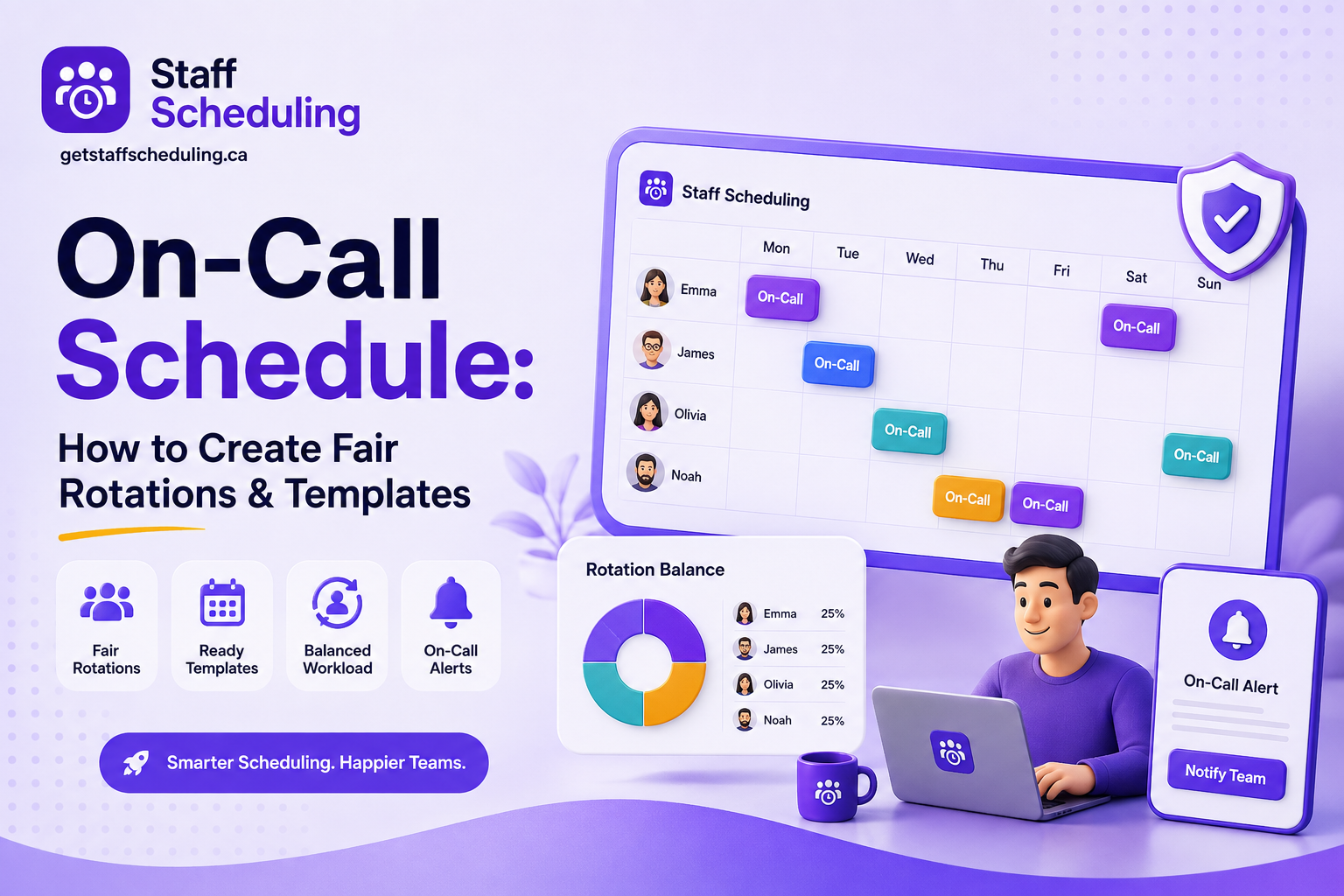
When your business needs someone available to handle urgent issues outside regular working hours, a clear on-call schedule can make all the difference. It helps your on-call team know who is responsible, when they need to respond, and who steps in when the first person is unavailable.
Good on-call scheduling is not just about filling shifts. A well-planned on-call rotation gives businesses reliable employee coverage, supports faster response time, and makes emergency response and incident response more organized. It can also help prevent one on-call employee from carrying too much of the workload while making 24/7 coverage more manageable.
In this guide, you’ll learn how to create an effective on-call schedule, choose the right rotation, balance coverage fairly, and avoid common scheduling problems. We’ll also walk through practical examples, ready-to-use templates, best practices, and ways to manage on-call schedules more easily as your team grows.
Ready to Simplify Your Team’s Scheduling?
Manage employee schedules, availability, time-off, and shift changes in one place with StaffSchedule.
Start Your Free Trial →No credit card required · Free 30-day trial
Key Takeaways
- Discover methods for developing a robust on-call schedule that ensures dependable employee coverage.
- Select the ideal on-call rotation for your organization, ranging from weekly and weekend shifts to fixed or follow-the-sun models.
- Implement equitable rotations using primary and secondary support layers while maintaining a healthy work-life balance.
- Utilize real-world examples and ready-made templates to streamline your on-call scheduling process.
- Prevent frequent pitfalls like unbalanced workloads, shift conflicts, burnout, and the burden of alert fatigue.
- Learn how specialized software automates 24/7 coverage, managing team availability and shift swaps with ease.
What Is an On-Call Schedule?
An on-call schedule is a plan that shows which on-call employee is responsible for responding to urgent issues or critical incidents during a specific time. Instead of expecting the entire on-call team to stay available around the clock, call scheduling assigns responsibility to specific team members through an on-call rotation.
This gives businesses a clear way to maintain coverage outside regular working hours, whether they need overnight support, weekend coverage, or 24/7 coverage. When an issue occurs, the assigned employee knows they are responsible for responding, while the rest of the team can stay focused on their regular work.
How Does an On-Call Schedule Work?
A simple on-call process usually follows a clear chain of responsibility. An alert or notification first reaches the primary responder, who investigates the issue and handles the incident response if possible. If the primary responder does not acknowledge the alert within the expected time, the secondary responder or backup responder is contacted.
If the issue still needs additional help, the team follows its escalation policy and brings in the right person or specialist. This creates a predictable emergency response process, reduces confusion during critical incidents, and helps teams respond quickly without relying on guesswork.
On-Call vs. Regular Work Schedules
A regular work schedule tells an employee when they are expected to work their scheduled shift, such as 9 AM to 5 PM, Monday through Friday. Once their working hours end, they are generally free from work unless they have another scheduled shift.
A call schedule works differently. An on-call employee may not be actively working for the entire assigned period, but they must remain available to respond if an issue comes up. This is especially common with an after-hours schedule, where employees provide support outside normal working hours, including an overnight on-call schedule.
The key difference is working time versus availability. A regular schedule assigns specific hours for active work, while an on-call schedule assigns a period when an employee must be reachable and ready to respond. Businesses need to balance this availability with employees' work-life balance, so on-call responsibilities do not become an unnecessary burden.
| Regular Work Schedule | On-Call Schedule |
| Employee actively works during scheduled hours | Employee remains available to respond when needed |
| Work happens during defined working hours | Coverage can extend into evenings, nights, or weekends |
| Employee follows a scheduled shift | Employee is assigned an on-call period |
| Availability usually ends when the shift ends | Availability continues for the assigned on-call period |
| Focus is on planned daily work | Focus is on unexpected issues and urgent support |
For example, a technician may have a regular shift from 9 AM to 5 PM. After 5 PM, another employee may be assigned to the after-hours coverage and only needs to respond if an urgent issue occurs. This keeps responsibilities clear while allowing the business to maintain support when the regular team is off duty.
Related Read
What Does “On Call” Mean for Your Business?
For a business, being on call means having a specific person available to respond when an urgent issue happens outside normal working hours. In simple terms, on call schedule means knowing who is responsible for handling a problem, when they are responsible, and who steps in if they cannot respond.
Through on-call scheduling, businesses can maintain reliable coverage, including 24/7 coverage when needed. A designated first responder can act quickly when critical incidents occur, helping reduce response time, limit downtime, and minimize customer impact.
For example, if an important system stops working at midnight, the business does not have to contact the entire team. The assigned on-call employee receives the alert, starts the emergency response, and follows the defined process to resolve or escalate the issue.
The goal is simple: make sure the right person is available when the business needs them most.
Why Do You Need an On-Call Schedule?
Ensure Reliable Employee Coverage
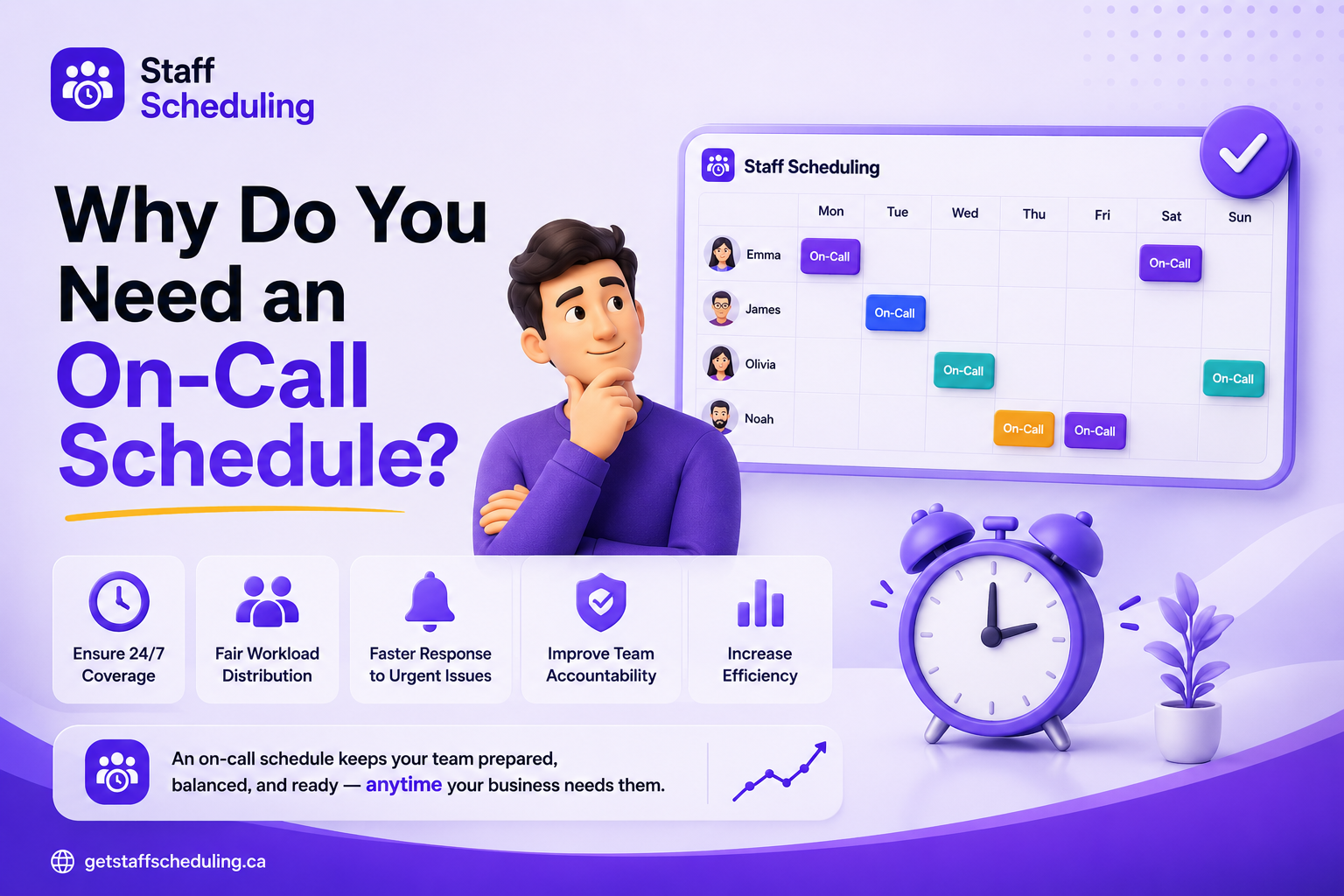
An on-call schedule makes sure your business has the right on-call employee available when support is needed outside regular working hours. Instead of asking the whole team to stay available, you can assign a primary responder and a secondary responder who know exactly when they are responsible for handling issues.
This makes coverage more predictable, whether you need occasional after-hours support or full 24/7 coverage. By planning around employee availability and team availability, you can also keep backup employees ready when someone is unavailable, helping your team respond quickly without leaving important issues unattended.
Improve Response Times
A clear on-call schedule helps reduce response time by making sure the right first responder knows when they are responsible for an issue. When alerts and notifications reach the assigned person quickly, they can begin incident response before a problem grows into a larger disruption.
This is especially important during critical incidents, where even a few extra minutes can increase downtime and customer impact. With clear responsibilities and a reliable escalation process, your team can respond faster instead of wasting time figuring out who should handle the issue.
Reduce Scheduling Conflicts
On-call scheduling also helps prevent schedule conflicts by considering each employee's availability before assigning coverage. Time-off, vacation, and sick leave can be accounted for in advance, so employees are less likely to be assigned when they cannot reasonably be available.
When plans change, clear schedule changes and shift swaps make it easier to replace an unavailable employee without leaving a coverage gap. This keeps responsibilities clear and makes the schedule easier for everyone to manage.
Support Work-Life Balance
A well-planned on-call schedule should protect work-life balance, not make employees feel like they are always working. Fair shift distribution helps keep the employee workload manageable by sharing on-call responsibilities across the team instead of repeatedly assigning them to the same people.
It is also important to consider employee preferences and planned time-off, including vacation and sick leave, before assigning an on-call shift. When employees know their responsibilities in advance and see that shifts are distributed fairly, shift fairness improves, and the team is more likely to stay engaged and responsive when they are actually on call.
💡 Tip: The goal of on-call scheduling is not to keep employees available all the time. It is to provide reliable coverage during the times the business needs it while giving employees enough time to rest and disconnect.
Types of On-Call Schedules
There is no single on-call schedule that works for every business. The right approach depends on your team size, working hours, location, coverage needs, and how quickly issues need to be handled. Some teams rotate responsibility weekly, while others use time zones or shorter rotations to provide continuous support.
Here are some common on-call schedule types and when each one makes sense.
Follow-the-Sun Schedule
A follow-the-sun schedule provides 24/7 coverage by assigning on-call responsibility to team members in different time zones. As one team finishes its working day, another team in a different region takes over, so there is no need to rely on the same employees for overnight coverage.
This approach works especially well for global teams with people working across multiple regions. It uses natural team availability during local working hours, which can improve response time while reducing the need for overnight shifts.
Semimonthly On-Call Schedule
A semimonthly schedule divides on-call responsibility into two periods each month, with employees rotating through assigned coverage. For example, one employee may handle the first half of the month while another takes the second half.
This type of on-call rotation can work well for smaller teams that need a predictable on-call schedule without changing assignments too frequently. During schedule creation, managers can plan the rotation around employee availability and time-off, then use regular schedule management to make adjustments when coverage needs change.
Week/Weekend On-Call Schedule
A weekend on-call schedule assigns specific employees to handle urgent issues during weekends, while others may cover regular weekdays. This approach works well when a business needs after-hours coverage without placing the same employees on call throughout the entire week.
A weekly on-call schedule can also divide responsibility into clear blocks, making the on-call rotation easier to plan around employee availability. For teams that need predictable weekend coverage, a weekend on call schedule template can make it easier to assign dates, employees, and backup coverage.
Rotating On-Call Schedule
A rotating on-call schedule moves responsibility between team members on a regular basis instead of keeping the same person on call. The rotation can change daily or weekly depending on the team's workload and number of alerts.
For example, a daily on-call schedule may assign a different employee each day, while a weekly on-call schedule gives one person responsibility for an entire week. These on call rotation ideas can improve fair shift distribution and shift fairness, especially when on-call responsibilities are shared consistently across the team.
Primary/Secondary On-Call Schedule
A primary/secondary rotation assigns a primary responder to handle incidents first, while a secondary responder acts as the backup responder if the primary is unavailable. A clear escalation policy helps route unresolved issues to backup employees and keeps incident response organized.
Expert Availability Schedule
An expert availability schedule assigns employees based on their employee skills, capabilities, or specialized knowledge. It is useful when critical incidents require a specific expert to provide effective incident response or emergency response.
Fixed On-Call Schedule
A fixed on-call schedule keeps the same on-call employee responsible for specific recurring periods instead of frequently changing the rotation. It can simplify planning around employee availability, but managers should monitor workload and shift fairness to avoid overburdening one person.
Key Components of an Effective On-Call Schedule
An effective on-call schedule is more than a list of names and dates. It should clearly define who is available, when they are responsible, how long each rotation lasts, and what happens if the assigned person cannot respond.
Employee Availability and Coverage
Start with employee availability and team availability to determine who can realistically provide coverage. For teams that need 24/7 coverage, keep backup employees available so the on-call team can maintain reliable coverage when someone is unavailable.
On-Call Rotations and Shift Length
Choose an on-call rotation that matches your team's workload and response needs. A rotating on-call schedule may use a daily schedule, weekly schedule, split-week rotation, or shorter 2-day or 4-day rotation, depending on the right shift length for your team.
Primary and Backup Coverage
Assign a primary responder who handles incoming issues first and a secondary responder or backup responder who can step in when needed. A clear primary/secondary rotation and escalation policy ensure there is always a defined path for handling incidents without leaving coverage gaps.
Start and End Dates and Times
Set clear start/end times for every on-call period so employees know exactly when their responsibility begins and ends. During schedule creation, clear schedule visibility and proper shift management are especially important for an after-hours schedule or overnight on-call schedule.
Contact and Escalation Procedures
Every schedule should explain how alerts and notifications reach the primary responder, and when an issue moves to the secondary responder. A clear escalation policy keeps emergency response and incident response organized when the first person cannot resolve an issue.
Employee Skills and Capabilities
Match assignments with employee skills and capabilities, especially when incidents require specialized knowledge. An expert availability schedule can ensure the right on-call engineer is available for critical incidents that may need a fast emergency response.
Time-Off and Scheduling Conflicts
Check employee availability before assigning on-call shifts, including planned vacation, sick leave, and other time-off. Considering employee preferences and allowing shift swaps can reduce schedule conflicts without creating coverage gaps.
How to Create an Effective On-Call Schedule
Creating an effective on-call schedule is about more than putting employee names into a calendar. You need to match coverage with your business needs while considering employee availability, skills, workload, and fairness. The following steps can help you build a schedule that works for both your business and your team.
Talk to Your Team
Start by asking your team about their employee preferences, employee availability, and any concerns they have about being on call. Consider team availability, existing responsibilities, and work-life balance before deciding how the rotation should work.
Define On-Call Expectations
Make sure every on-call employee understands what being on call means, when they need to respond, and what happens when an issue cannot be resolved. Define expected response time, how alerts and notifications are handled, and when an escalation or emergency response is required.
Determine Your Coverage Requirements
Decide how much coverage your business actually needs before building the schedule. Some teams may only need an after-hours schedule, while others may require 24/7 coverage or an overnight on-call schedule because of their team size, operating hours, or frequency of critical incidents.
Build the Schedule Around Employee Capabilities
Match on-call responsibilities with employee skills and capabilities instead of treating every team member as interchangeable. For example, an experienced on-call engineer can handle complex issues, while an expert availability schedule can make sure someone with the right knowledge is available for critical incidents.
Choose the Right Rotation
Choose an on-call rotation that fits your team size, workload, and coverage needs. A rotating on-call schedule, weekly on-call schedule, fixed on-call schedule, follow-the-sun schedule, split-week rotation, or semimonthly schedule may each work better in different situations.
Assign Primary and Secondary Coverage
Give each on-call period a primary responder who handles issues first and a secondary responder who can step in when needed. This primary/secondary rotation creates a reliable backup responder and gives your team a clear path for escalation without leaving coverage gaps.
Spread On-Call Responsibilities Fairly
Avoid relying on the same people for every difficult or after-hours shift. Use fair shift distribution to balance the employee workload, rotate responsibilities consistently, and protect shift fairness and work-life balance across the team.
Factor in Employee Preferences
Consider employee preferences, employee availability, and planned time-off before assigning shifts. Vacation and sick leave should be accounted for early, so employees are not placed on call when they cannot reasonably be available.
Provide Adequate Support
Being on call should not mean handling every problem alone. Keep a backup responder or backup employees available, define a clear escalation policy, and make sure notifications reach the right people so that serious issues can move quickly into proper incident response.
Publish the Schedule Transparently
Make the schedule easy for everyone to see and understand. Good schedule visibility, clear schedule communication, and regular schedule updates help improve schedule transparency and prevent employees from relying on old messages, emails, or outdated versions of the schedule.
Set Clear Start and End Times
Every on-call period should have clear start/end dates and times so employees know exactly when their responsibility begins and ends. This is especially important for an after-hours schedule or overnight on-call schedule, and it makes shift management and future schedule changes much easier.
How to Build a Fair On-Call Rotation
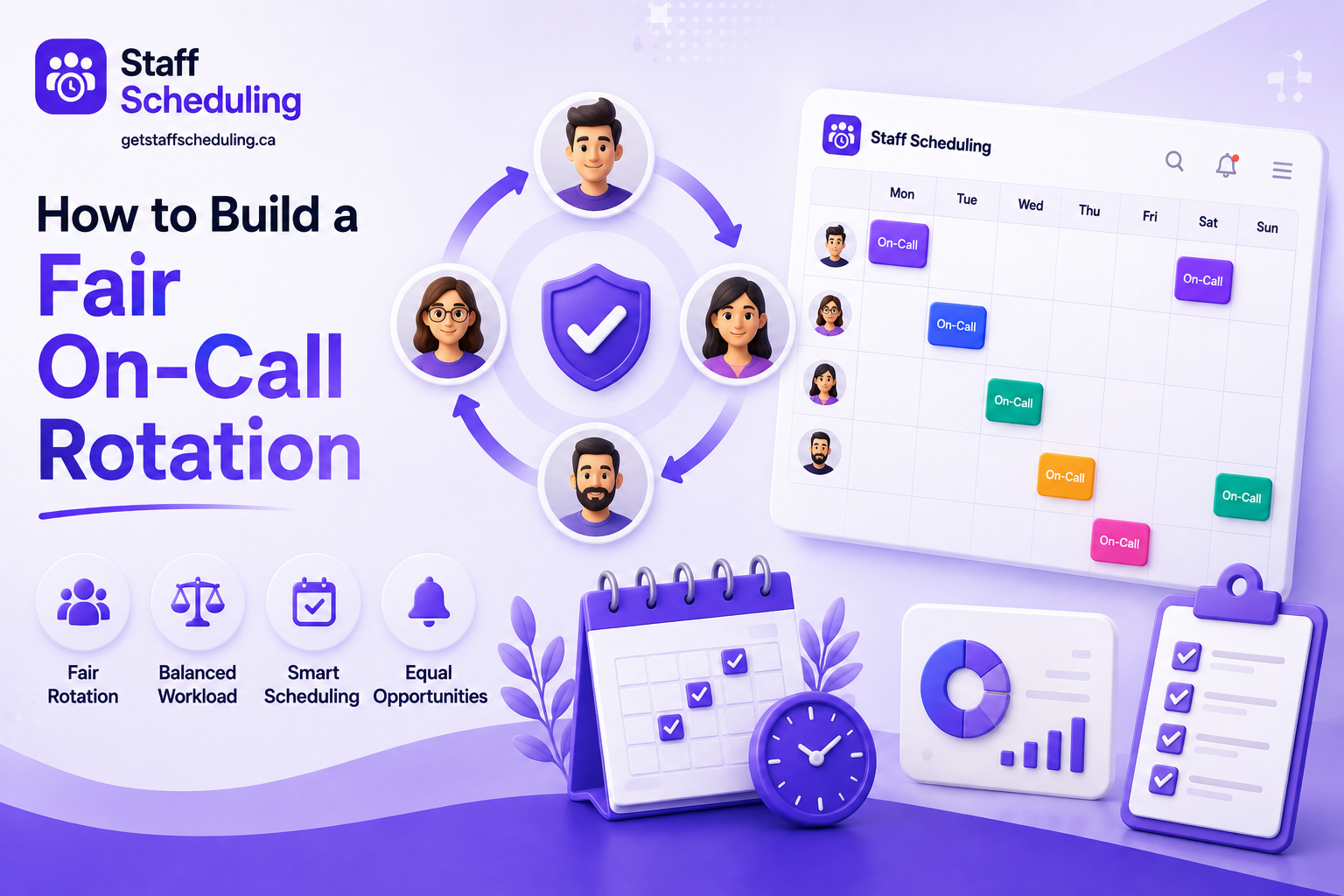
A fair on-call rotation should give the business reliable coverage without placing too much responsibility on the same employees. The best rotation considers workload, availability, shift length, and how on-call duties affect employees outside their normal working hours.
Avoid Overnights When Possible
An overnight on-call schedule can quickly affect sleep, employee workload, and work-life balance, especially when alerts happen frequently. If overnight coverage is necessary, limit unnecessary alerts and use a clear after-hours schedule so employees are only contacted for issues that genuinely need attention.
Reducing repeated overnight interruptions can also help prevent employee burnout and alert fatigue.
Balance On-Call Shifts Across Employees
Use fair shift distribution so one employee does not repeatedly carry the hardest or most frequent on-call shifts. When planning the on-call rotation, consider both employee availability and workload so responsibilities remain manageable and shift fairness is maintained.
Consider Weekly vs. split-week rotations.
A weekly on-call schedule gives one person responsibility for a longer, predictable period, while a split-week rotation divides that responsibility between multiple employees. A rotating on-call schedule can be adjusted around team availability and workload, helping businesses maintain coverage without making any single employee responsible for too much time on call.
2-Day vs. 4-Day On-Call Rotations
A 2-day on-call rotation keeps the shift length short, which can work well for teams where frequent alerts or overnight interruptions make longer coverage difficult. A 4-day on-call rotation gives each employee a longer, more predictable period of responsibility and may be simpler for teams with fewer incidents.
The better option depends on your employee workload, alert volume, team size, and coverage needs. Choose the rotation that provides reliable coverage without making the on-call period unnecessarily difficult.
Avoid Overly Long On-Call Rotations
Long on-call rotations can increase employee workload, especially when employees are regularly interrupted outside normal hours. Over time, this can contribute to burnout, alert fatigue, and a poorer work-life balance.
Keep rotations manageable and review the workload regularly. A shorter, fairly distributed schedule is often easier to sustain than relying on one person for extended periods.
Protect Employee Work-Life Balance
A sustainable on-call schedule gives employees enough time to disconnect when they are not responsible for coverage. Consider employee preferences, planned time-off, and existing workload when assigning shifts, and use fair shift distribution to prevent the same people from carrying the burden repeatedly.
Protecting work-life balance is not just good for employees—it also helps reduce burnout and keeps the team more reliable when they are actually on call.
Benefits of a Well-Designed On-Call Schedule
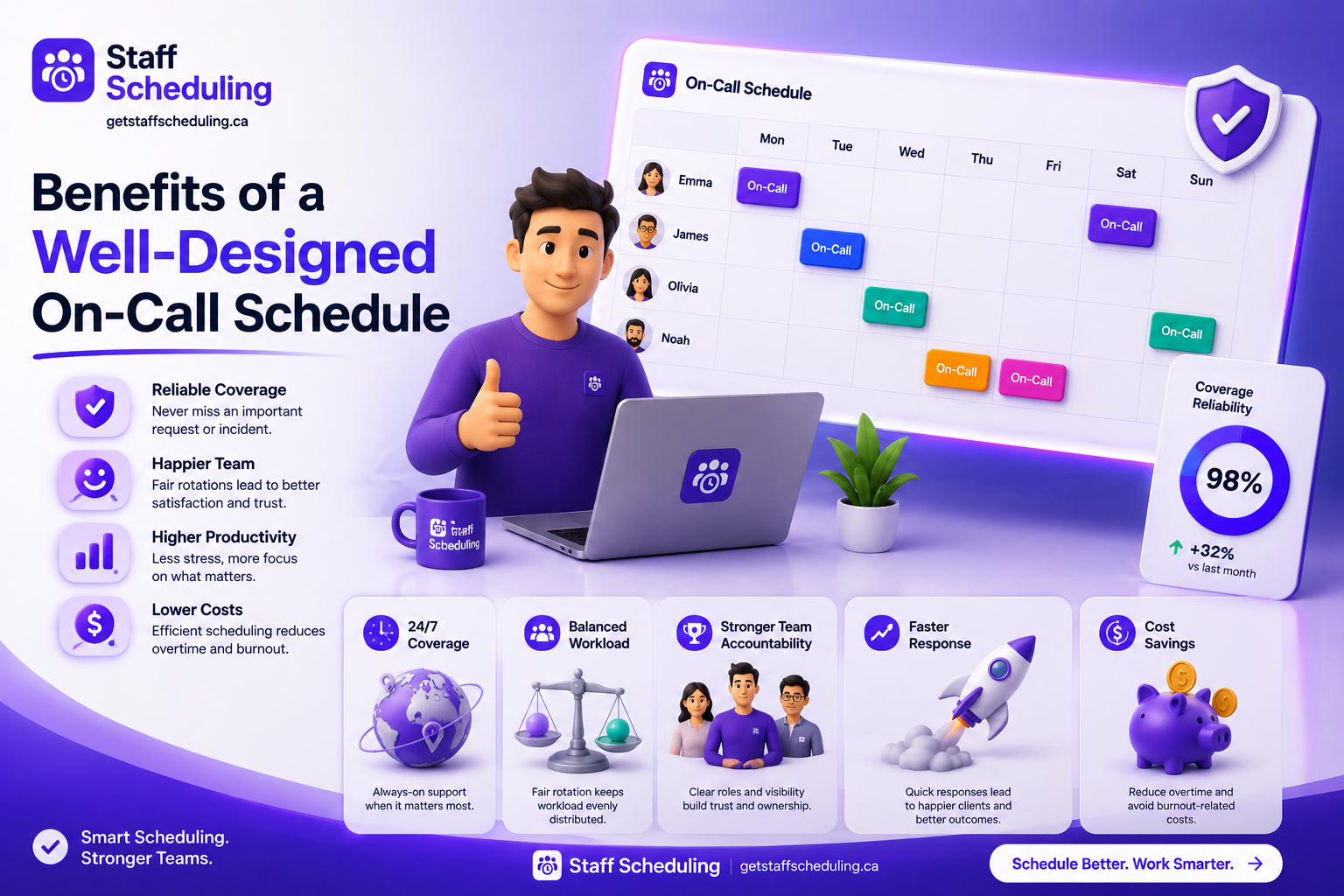
A well-designed on-call schedule gives your business a reliable way to handle urgent issues while keeping responsibilities clear for employees. When coverage, rotations, and availability are planned properly, both the business and the team can work with fewer disruptions.
Better Employee Work-Life Balance
A fair schedule keeps the employee workload manageable by sharing on-call responsibilities across the team. Clear shift fairness also gives employees more predictable time away from work, making it easier to maintain a healthy work-life balance.
Improved Coverage and Response Times
A structured schedule makes sure the right person is available when an issue occurs, including businesses that need 24/7 coverage. Faster response time, timely alerts, and a clear incident response process can reduce downtime and limit the customer impact of critical problems.
Reduced Scheduling Conflicts
Planning availability in advance helps prevent schedule conflicts and makes unexpected schedule changes easier to handle. Managers can account for time-off and use shift swaps when someone becomes unavailable, helping maintain coverage without disrupting the rest of the team.
Greater Accountability
A clear schedule makes it obvious who is responsible when an issue occurs. The primary responder handles it first, while the secondary responder provides backup, and a defined escalation path prevents incidents from being left unattended. Good schedule transparency and schedule visibility also make responsibilities clear to the entire team.
More Predictable Workloads
A planned on-call rotation helps distribute responsibility instead of repeatedly relying on the same employees. By considering employee availability and using fair shift distribution, managers can keep the employee workload more predictable while supporting a healthier work-life balance.
On-Call Schedule Examples
Seeing an on-call schedule in a real format makes it much easier to understand how rotations work. The examples below show a few practical ways to organize coverage for different team sizes and support needs.
Weekly On-Call Schedule Example
A weekly on-call schedule gives one employee primary responsibility for a full week, while another team member remains available as a backup. This simple on-call rotation works well for smaller teams with predictable workloads.
| Day | Primary Responder | Backup Responder |
| Monday | Sarah | Ahmed |
| Tuesday | Sarah | Ahmed |
| Wednesday | Sarah | Ahmed |
| Thursday | Sarah | Ahmed |
| Friday | Sarah | Ahmed |
| Saturday | Sarah | Ahmed |
| Sunday | Sarah | Ahmed |
This is one of the simplest on-call schedule examples, but the same structure can be adjusted for different rotation lengths.
Weekend On-Call Schedule Example
A weekend on-call schedule separates weekend responsibility from the regular weekday team. This can make weekend coverage easier to manage while giving employees a clear primary and backup role.
| Day | Primary | Secondary |
| Saturday | Ahmed | Sarah |
| Sunday | Ahmed | Sarah |
You can also use this structure as a weekend on call schedule template and replace the names, dates, and coverage periods with your own team information.
Primary and Secondary On-Call Example
In a primary/secondary rotation, the primary responder handles the issue first. If they do not respond or need additional help, the secondary responder takes over according to the escalation policy.
| Role | Responsibility |
| Primary Responder | Receives and handles the initial alert |
| Secondary Responder | Steps in if the primary is unavailable |
| Escalation | Moves unresolved issues to the appropriate person |
This approach creates a clear chain of responsibility and reduces confusion during urgent incidents.
Follow-the-Sun Schedule Example
A follow-the-sun schedule uses teams in different time zones to provide 24/7 coverage without requiring one team to handle every overnight shift. As one team's working day ends, another team takes over the on-call rotation.
| Time Zone | Coverage Team | Responsibility |
| North America | Team A | Daytime coverage |
| Europe | Team B | European daytime |
| Asia-Pacific | Team C | Asia-Pacific daytime |
By matching coverage with team availability across time zones, businesses can maintain continuous support and improve response time while reducing overnight interruptions.
On-Call Schedule Templates
A ready-to-use template makes on-call scheduling much easier because you can see responsibilities, coverage, and escalation details in one place. Here are three simple templates you can adapt to your team.
Simple On-Call Schedule Template
Use this basic on-call schedule template when you need a simple way to assign employees, times, and backup responsibility.
| Date | Employee | Start Time | End Time | Primary/Secondary | Contact | Escalation |
| Aug 10 | Sarah | 6 PM | 12 AM | Primary | 555-0101 | Ahmed |
| Aug 10 | Ahmed | 6 PM | 12 AM | Secondary | 555-0102 | Manager |
| Aug 11 | John | 6 PM | 12 AM | Primary | 555-0103 | Sarah |
Weekly On-Call Schedule Template
A weekly on-call schedule template works well when one employee handles the primary role for a full week while another provides backup.
| Week | Primary Responder | Backup Responder | Coverage | Notes |
| Aug 10–16 | Sarah | Ahmed | 24/7 | — |
| Aug 17–23 | Ahmed | John | 24/7 | — |
| Aug 24–30 | John | Sarah | 24/7 | — |
This creates a predictable on-call rotation while ensuring a backup responder is always assigned.
Weekend On-Call Schedule Template
A weekend on call schedule template is useful when your team needs separate coverage for Saturday and Sunday.
| Date | Day | Primary | Secondary | Coverage Time | Contact |
| Aug 15 | Saturday | Ahmed | Sarah | 9 AM–9 PM | Team Phone |
| Aug 16 | Sunday | Sarah | Ahmed | 9 AM–9 PM | Team Phone |
What to Include in an On-Call Schedule Template
At minimum, your template should include:
- Employee name and employee availability
- Start and end dates and times
- Primary and secondary responder
- Backup responder
- Contact information
- Escalation procedures
- Schedule visibility and communication method
- Approved time-off
- Known schedule conflicts
Keeping these details in one place makes the schedule easier to understand, update, and share with the entire team.
Best Practices for Managing On-Call Schedules
Creating the schedule is only the first step. Good schedule management means keeping it clear, fair, and easy to adjust when employee availability or business needs change.
Give Employees Enough Notice
Share the schedule early so employees have enough time to plan around their responsibilities. Good schedule communication, clear schedule visibility, and consideration of employee availability and employee preferences improve schedule transparency and reduce last-minute surprises.
Make Schedule Changes Easy
Plans can change, so your scheduling process should make schedule changes simple. Allow employees to request shift swaps or shift replacement, while managers can make controlled schedule updates and schedule overrides when necessary.
Maintain Backup Coverage
Every important on-call period should have a backup responder or secondary responder available when the primary person cannot respond. Keeping backup employees assigned creates stronger coverage and gives the team a clear path for escalation.
Keep Scheduling Transparent
Everyone should be able to quickly see who is on call, when their responsibility starts, and who provides backup. Clear schedule transparency, schedule visibility, and consistent schedule communication make day-to-day schedule management much easier.
Regularly Review and Improve Rotations
A schedule that works today may not work as your team or workload changes. Review the on-call rotation regularly, look at how the rotating on-call schedule is affecting employees, and adjust for better fair shift distribution, workload, and overall schedule management.
Monitor Employee Workload
Keep an eye on employee workload, especially when certain employees receive more alerts or difficult shifts than others. Maintaining fair shift distribution and protecting work-life balance can help reduce burnout and alert fatigue over time.
Common On-Call Scheduling Challenges and How to Avoid Them
Even a well-planned on-call schedule can run into problems when workloads change, employees become unavailable, or communication breaks down. Knowing the common challenges makes it easier to fix them before they affect coverage or the team.
Uneven Shift Distribution
When some employees repeatedly receive more on-call shifts than others, employee workload can quickly become unbalanced. Review the on-call rotation regularly and use fair shift distribution to keep shift fairness across the team.
Last-Minute Schedule Changes
Unexpected absences can lead to stressful schedule changes, especially when there is no clear replacement process. Make schedule updates easy, and allow planned shift swaps or shift replacement while checking employee availability before making changes.
Lack of Backup Coverage
If there is no backup responder, a single unavailable employee can leave a serious coverage gap. Assign backup employees or a secondary responder and define when an issue should move through the escalation process.
Poor Communication
Employees need to know who is on call and how they will be contacted. Clear schedule communication, reliable notifications and alerts, and easy schedule visibility improve schedule transparency and reduce confusion during urgent situations.
Employee Burnout
Frequent overnight interruptions, heavy workloads, and long rotations can contribute to employee burnout. Review the overnight on-call schedule, distribute responsibilities fairly, and protect work-life balance so employees can properly disconnect when they are off call.
Alert Fatigue
Too many unnecessary alerts and notifications can make it harder for employees to recognize genuine critical incidents. Review which alerts require immediate action and improve the incident response process so employees are not repeatedly interrupted by low-priority issues.
On-Call Burnout: Signs and Prevention
On-call work can become difficult when employees are expected to stay available too often or deal with frequent interruptions. A healthy schedule should provide reliable coverage without making employees feel like they are constantly working.
Common Signs of On-Call Burnout
Common signs of on-call burnout include ongoing fatigue, increased stress, difficulty switching off after work, and a noticeable drop in focus or energy. A heavy employee workload, poor work-life balance, and repeated alert fatigue can make these problems worse.
How Excessive On-Call Work Affects Employees
Too much on-call responsibility can make an already busy employee workload harder to manage. Frequent interruptions from an overnight on-call schedule or long on-call rotations can reduce recovery time, affect work-life balance, and increase alert fatigue over time.
Ways to Reduce On-Call Burnout
Use fair shift distribution and consider employee preferences when building rotations. Backup employees can share the load when coverage is demanding, while shorter rotations, protected time-off, and a healthier work-life balance can make on-call responsibilities more sustainable.
How to Prevent Alert Fatigue
Not every alert needs an immediate response. Review alerts and notifications so employees are interrupted mainly for genuine critical incidents. A clear escalation policy and well-defined incident response process can help filter unnecessary alerts and keep the team's attention on problems that actually require action.
On-Call Scheduling Software: A Better Way to Manage Rotations
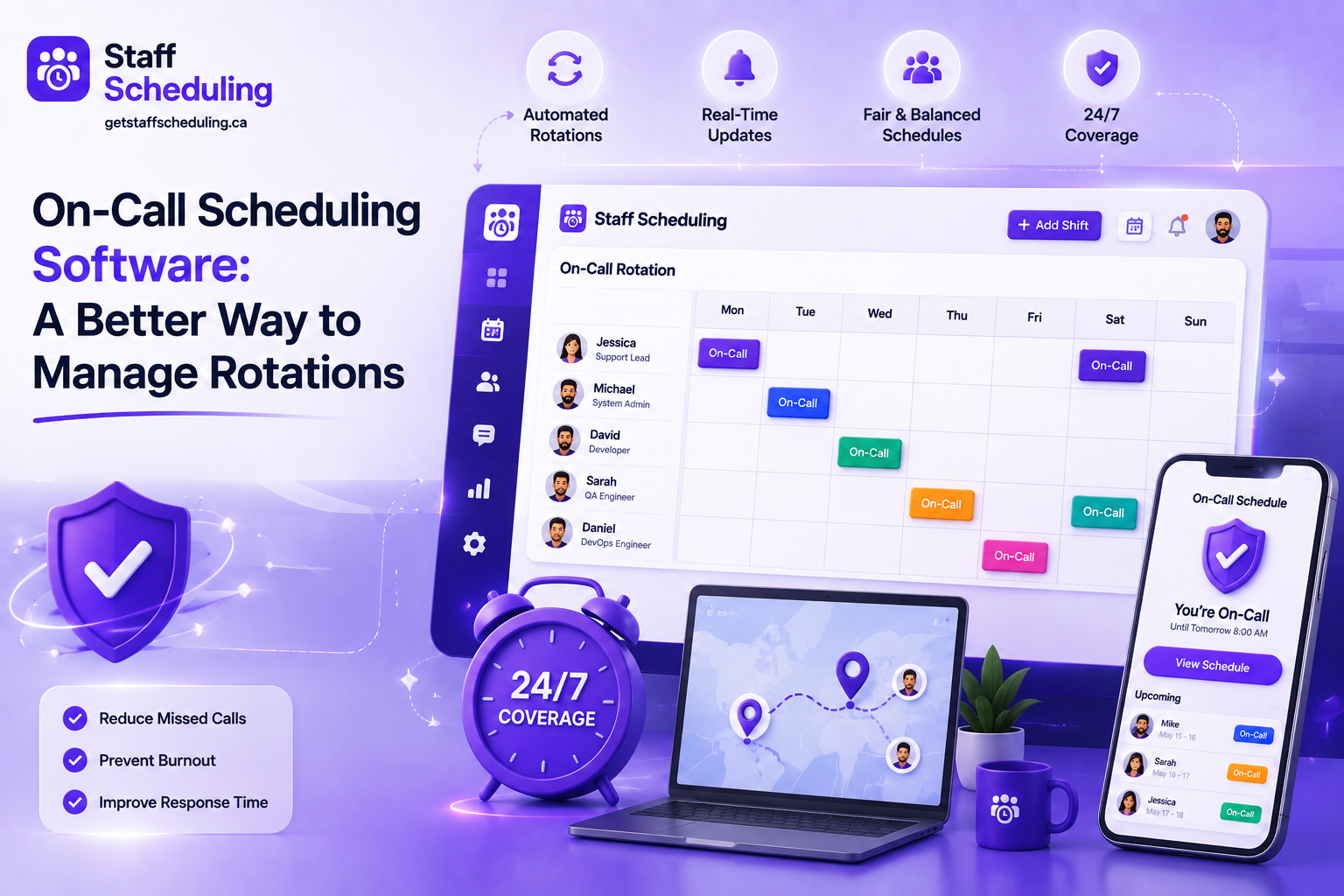
Managing on-call rotations manually can become difficult as teams grow. On-call scheduling software can make it easier to organize rotations, manage availability, handle changes, and keep everyone clear on who is responsible.
Here are five trusted options to consider:
StaffSchedule helps businesses manage employee schedules, availability, leave, shift swaps, notifications, and team communication from one place. It is a practical option for businesses that need workforce scheduling and reliable employee coverage without relying on spreadsheets or scattered messages.
2. PagerDuty
PagerDuty is built for technical teams that need on-call rotations, alerting, and automated escalation. It supports common rotation types such as weekly, weekend, and follow-the-sun schedules, along with automatic escalation to secondary responders.
3. Better Stack
Better Stack combines on-call scheduling with incident management and monitoring. Teams can create rotating schedules, assign primary and secondary responders, configure escalation policies, and use phone, SMS, email, and other notifications when incidents occur.
Splunk On-Call is designed for DevOps and operations teams that need automated scheduling, alerting, and escalation. It supports on-call rotations and helps teams route incidents to people with the right experience while keeping incident information centralized.
5. Opsgenie
Opsgenie provides on-call scheduling, alert routing, and escalation policies for teams that need structured incident response. It can help managers create and modify schedules while making sure alerts reach the right people at the right time.
How to Choose the Best On-Call Scheduling Software
The best on-call scheduling software depends on how your team works, how much coverage you need, and how often your schedule changes. Before choosing a tool, look beyond basic scheduling and check whether it can handle availability, rotations, communication, and unexpected changes as your team grows.
Features to Look For
Look for on-call scheduling and on-call management features that make daily scheduling easier. Useful features include schedule creation, schedule management, availability management, time-off management, shift management, shift swaps, notifications, escalation, primary/secondary rotation, and reliable coverage.
Ease of Use
A good tool should make schedule management simple rather than adding more work. Employees should have clear schedule visibility, easy schedule communication, and a simple way to update their availability without needing help from a manager every time.
Flexibility and Scalability
Choose software that can adapt to your team size, different on-call team structures, and changing coverage needs. If your business requires 24/7 coverage or multiple rotations, the software should support different schedules while allowing assignments to match employee capabilities.
Pricing and Team Size
Consider whether the scheduling software makes sense for the size of your team and the features you actually need. A small team may only need basic rotations and coverage, while a growing organization may need more advanced management, multiple teams, and better scalability.
FAQs About On-Call Schedules
Conclusion
A good on-call schedule is not simply a list of employees and shifts. It gives your business a clear way to maintain reliable employee coverage, respond to urgent issues, and make sure everyone knows when they are responsible.
Effective on-call scheduling starts with choosing the right on-call rotation, assigning clear primary and secondary coverage, and considering employee availability, workload, and work-life balance. With the right structure, teams can provide dependable support without putting too much pressure on the same employees.
As your team grows, schedule management and on call management can become harder to handle manually. That is where StaffSchedule can help you organize employee schedules, availability, time-off, shift changes, and team coverage in one place.
Ready to make staff scheduling easier? Explore Staff Scheduling and see how it can help your team manage schedules and coverage more efficiently.