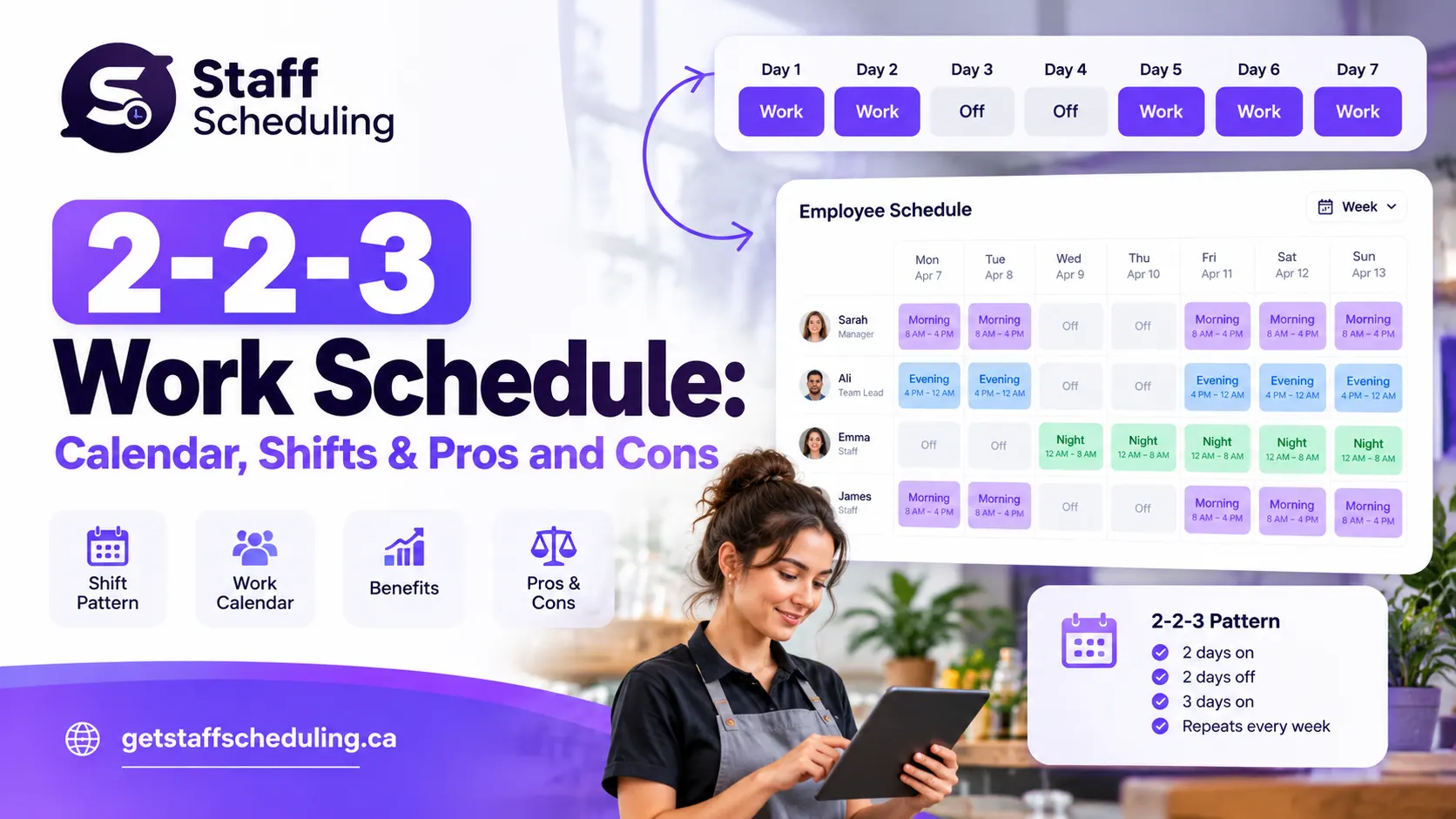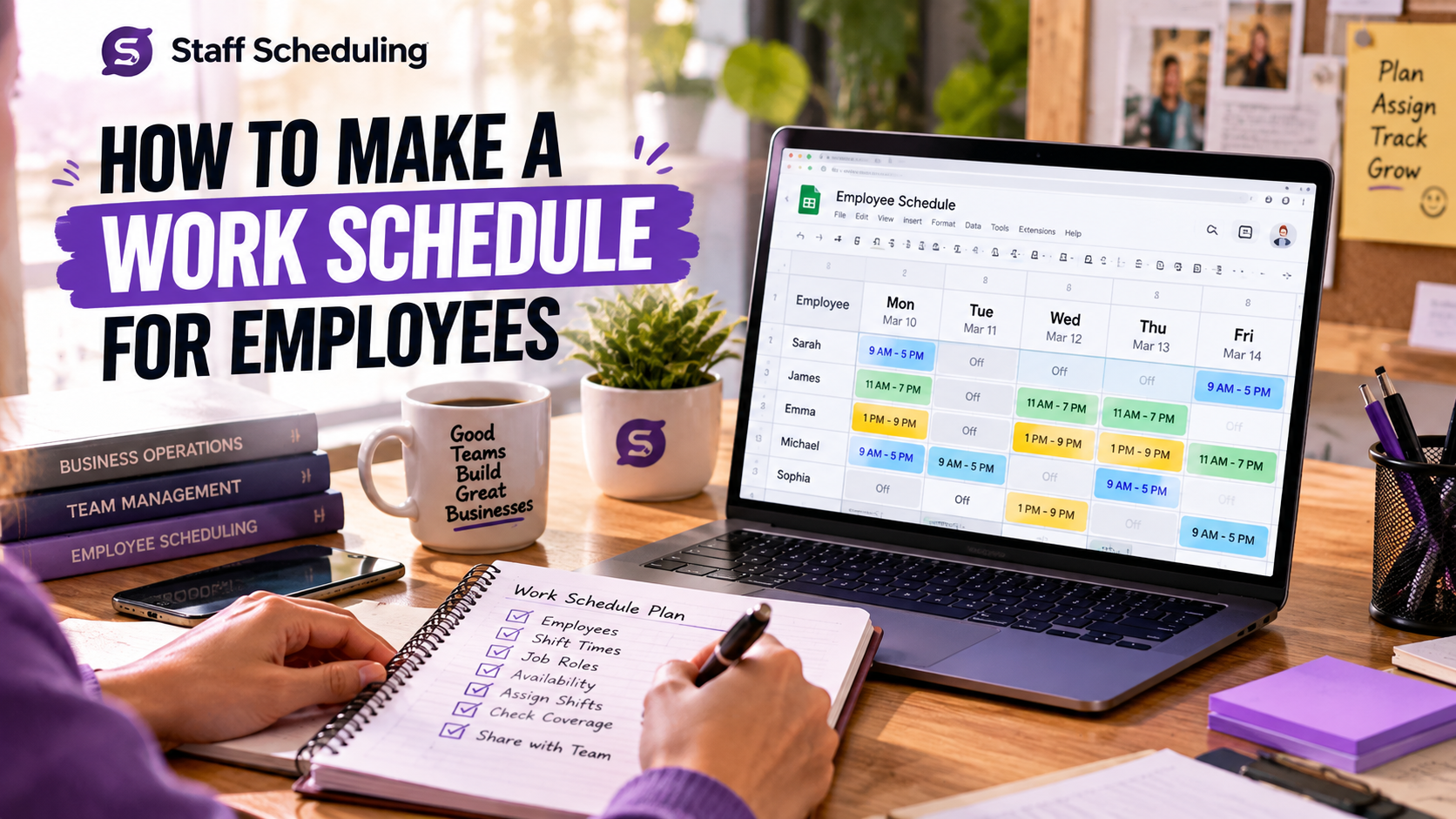
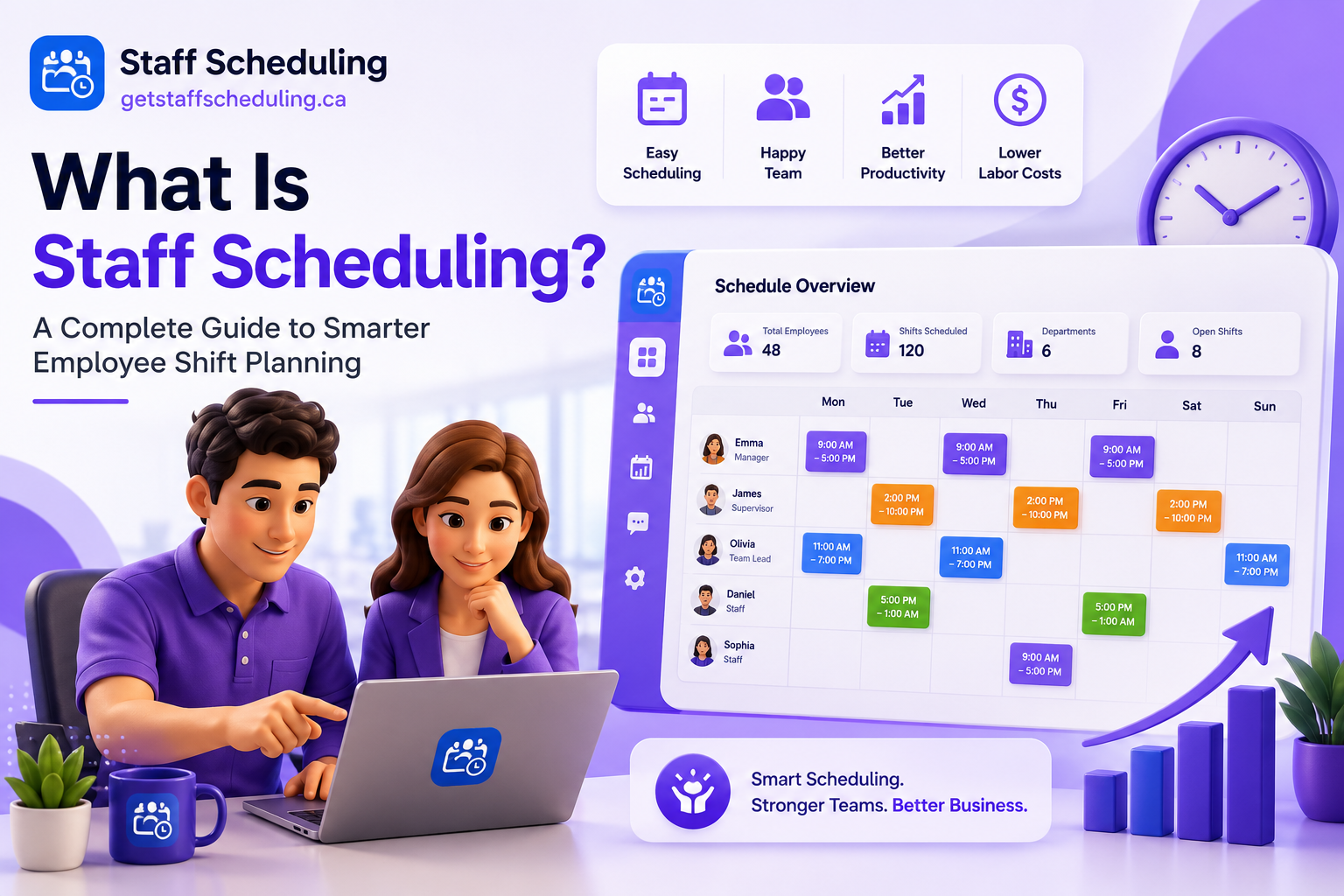
Staff scheduling is the process of assigning employees to work shifts based on business demand, employee availability, skills, and working hours. An effective staff schedule helps businesses maintain shift coverage, control labor costs, reduce scheduling conflicts, and keep daily operations running smoothly.
Whether you manage a restaurant, retail store, healthcare facility, or small business, understanding staff scheduling can help you build a more organized and productive team. This guide explains how it works, the different types of work schedules, and how to create one that meets your business needs.
Ready to get started?
Try Staff Scheduling free for 14 days. No credit card required.
Start Free TrialNo credit card required · Free 30-day trial
What Is Staff Scheduling?
Staff scheduling is the process of planning when employees work, which shifts they cover, and how many team members are needed at different times. Managers use staff scheduling to match workforce availability with business requirements.
For example, a restaurant may need more employees during busy dinner hours than during quiet weekday mornings. By assigning shifts according to expected customer demand, the manager can maintain service quality without scheduling more employees than necessary.
A good staff schedule considers:
- Business operating hours and expected workload
- Employee availability and time-off requests
- Employee skills, roles, and experience
- Required staffing levels for each shift
- Overtime, labor budgets, and applicable employment rules
The goal is to have the right employees working at the right time while keeping schedules fair, practical, and easy to manage.
What Is the Purpose of Staff Scheduling?
The main purpose of staff scheduling is to ensure every shift has enough qualified employees to handle the expected workload. It also helps managers plan working hours, distribute shifts fairly, prepare for absences, and reduce last-minute staffing problems.
When schedules are organized and shared in advance, employees know when they are expected to work, and managers spend less time answering questions or fixing avoidable scheduling mistakes.
Staff Scheduling vs. Employee Scheduling
Staff scheduling and employee scheduling are commonly used to describe the same process: organizing employees' working hours and assigning shifts.
The term staff scheduling may emphasize workforce or team-wide coverage, while employee scheduling may refer to individual employees and their assigned shifts. In practice, both involve matching available employees with the shifts a business needs to cover.
How Does Staff Scheduling Work?
An effective staff scheduling process starts with understanding business demand and ends with reviewing the schedule after it has been published. Follow these steps to create a schedule that works for both your business and your employees.
1. Identify Your Staffing Needs
Determine how many employees you need for each shift. Review operating hours, expected customer demand, busy periods, and the skills required for each role.
For example, a retail store may need additional employees on weekends, while a cleaning company may need different teams assigned to different client locations.
2. Check Employee Availability
Collect employee availability, approved leave, time-off requests, and any scheduling restrictions before assigning shifts. This helps managers avoid conflicts and identify coverage gaps early.
A consistent availability process also makes it easier to plan around employees' existing commitments.
3. Assign Employees to the Right Shifts
Match employees to shifts based on their skills, experience, availability, and responsibilities. Make sure each shift has the required coverage and that working hours are distributed fairly.
When creating a schedule from scratch, follow our practical guide on how to make a staff schedule.
4. Publish and Share the Schedule
Share the completed schedule early enough for employees to plan their personal commitments. Make sure everyone can easily check their working days, start times, end times, and assigned locations.
If a shift changes, communicate the update promptly and make sure the affected employees understand the new arrangement.
5. Review and Update the Schedule
Unexpected absences, changing business demand, and shift-swap requests can affect coverage. Review the schedule regularly and make adjustments when needed.
Before approving a change, check that the shift remains covered, the replacement employee is qualified, and the revised hours comply with applicable workplace requirements.
What Are the Different Types of Staff Schedules?
Different businesses need different scheduling methods. The right option depends on operating hours, employee availability, workload, and how predictable the business demand is.
Fixed Work Schedule
A fixed work schedule gives employees the same working days and hours each week.
Example: An employee works Monday to Friday from 9 a.m. to 5 p.m.
Best for: Offices, administrative teams, and businesses with predictable operating hours.
Consideration: Fixed schedules can be difficult to maintain when customer demand changes significantly.
Flexible Work Schedule
A flexible work schedule allows employees to adjust their working hours within agreed limits, provided business needs and workplace requirements are met.
Best for: Workplaces where employees can perform their duties at different times without affecting coverage.
Consideration: Managers still need clear availability rules and a reliable way to coordinate working hours.
Rotating Shift Schedule
A rotating shift schedule changes employees' assigned shifts according to a planned pattern. Employees may rotate between day, evening, and night shifts.
Best for: Healthcare, manufacturing, security, and businesses that operate for extended hours.
Consideration: Rotation patterns should be communicated in advance so employees can plan their rest and personal commitments.
Split Shift Schedule
A split shift divides a workday into two separate working periods with a break between them.
Example: An employee works a morning period, takes several hours off, and returns for the evening rush.
Best for: Restaurants, hospitality, and transportation businesses with predictable peak periods.
Consideration: Long gaps between working periods can make the schedule less convenient for employees.
On-Call Schedule
An on-call schedule requires employees to remain available for work when needed, according to the employer's arrangements and applicable rules.
Best for: Certain healthcare, maintenance, and emergency-response roles.
Consideration: Businesses should communicate availability expectations, response times, and any applicable compensation requirements clearly.
Part-Time and Full-Time Schedules
Full-time schedules generally involve more regular weekly working hours, while part-time schedules involve fewer hours. The exact distinction depends on the employer's arrangements and applicable employment rules.
Best for: Businesses that need a mix of regular employees and workers who cover specific days or peak periods.
Consideration: Track scheduled hours carefully and avoid assigning shifts that conflict with employees' availability or applicable working-hour requirements.
For more examples, explore our guides to work shift schedules, mid-shift meaning, evening shift hours, night shift hours, and second-shift hours.
What Does a Staff Schedule Look Like? Example and Template
A staff schedule shows which employees are working, when their shifts begin and end, and which roles they cover. The following example illustrates a simple weekly schedule for a small business.
| Employee | Monday | Tuesday | Wednesday | Thursday | Friday |
|---|---|---|---|---|---|
| Alex | 9 a.m.–5 p.m. | 9 a.m.–5 p.m. | Off | 9 a.m.–5 p.m. | 9 a.m.–5 p.m. |
| Sam | 12 p.m.–8 p.m. | Off | 12 p.m.–8 p.m. | 12 p.m.–8 p.m. | 12 p.m.–8 p.m. |
| Jordan | Off | 10 a.m.–6 p.m. | 10 a.m.–6 p.m. | Off | 10 a.m.–6 p.m. |
This is an illustrative example, not a recommended schedule for every business. Actual shifts should reflect staffing needs, employee availability, required breaks, and applicable rules.
What Information Should a Work Schedule Include?
A useful employee work schedule should include:
- Employee names and assigned roles
- Workdays and shift start and end times
- Breaks, where relevant
- Assigned locations or departments
- Days off and approved leave
- Instructions for reporting absences or requesting changes
For larger teams, a shared digital schedule can make updates easier to communicate and reduce confusion about which version is current.
How Do You Create an Effective Staff Schedule?
Creating a schedule is not simply a matter of filling empty shifts. The aim is to balance business coverage, employee availability, and labor costs without placing an unfair burden on particular team members.
Match Staffing Levels to Business Demand
Review sales patterns, customer traffic, appointments, or workload to understand when additional employees are needed. Schedule enough staff during busy periods while avoiding unnecessary coverage during quieter hours.
Where possible, use historical business data rather than relying entirely on assumptions.
Balance Employee Availability and Shift Preferences
Check availability before assigning shifts. Consider approved time off, employee commitments, and stated shift preferences.
Preferences cannot always be accommodated, but a transparent process helps employees understand how decisions are made and reduces avoidable conflicts.
Distribute Shifts Fairly
Avoid repeatedly assigning the same employees all the weekends, closing shifts, or less popular hours when duties can reasonably be shared.
Use clear rotation rules and consider employees' qualifications and availability. Fair scheduling can improve trust and make it easier to maintain a reliable team.
Prevent Scheduling Conflicts and Unnecessary Overtime
Before publishing the schedule, check for overlapping assignments, insufficient shift coverage, and working hours that may trigger overtime. Review each employee's total scheduled hours rather than looking at individual shifts in isolation.
For Canadian businesses, overtime thresholds and related requirements can depend on the applicable federal or provincial employment rules. Verify the rules that apply to your workplace instead of assuming one standard applies everywhere.
Plan for Absences and Last-Minute Changes
Unexpected absences are easier to manage when you have a clear process for finding qualified replacements. Keep track of employees who are available to cover shifts and establish rules for shift swaps and manager approval.
When a change is necessary, notify the affected employees and update the shared schedule so everyone can see the correct information.
Publish Schedules Early and Keep Them Updated
Give employees reasonable advance notice of their shifts and communicate changes as soon as possible. A consistent publishing routine helps staff plan ahead and gives managers more time to resolve coverage issues.
Why Is Staff Scheduling Important for Businesses?
Effective staff scheduling supports daily operations by making staffing requirements more predictable. It benefits managers, employees, and customers in several ways.
- Better shift coverage: Each shift has the people needed to handle its workload.
- Improved productivity: Employees understand their responsibilities and working hours.
- More control over labor costs: Managers can identify overstaffing and unnecessary overtime.
- Fewer scheduling conflicts: Availability and time-off requests are reviewed before shifts are assigned.
- Better employee experience: Fairer schedules and advance notice help employees plan their time.
- More consistent customer service: Businesses are better prepared for busy periods.
These benefits depend on how well the schedule reflects actual business demand and how consistently managers review and communicate changes.
Manual Staff Scheduling vs. Staff Scheduling Software
Small businesses often begin with paper schedules or spreadsheets. These methods can work for a small team with predictable shifts, but they become harder to manage as the number of employees, locations, and schedule changes increases.
| Task | Manual scheduling | Staff scheduling software |
|---|---|---|
| Create schedules | Enter shifts manually | Build and update schedules in a shared system |
| Check availability | Review messages or spreadsheets | Keep availability information organized |
| Manage changes | Send individual updates | Share changes through the scheduling platform |
| Coordinate shift swaps | Handle requests manually | Use a defined request and approval process where supported |
| Track coverage | Review the schedule manually | View team schedules and identify potential gaps |
| Manage multiple locations | Maintain separate records | Coordinate schedules across locations when supported |
When Is a Spreadsheet Enough?
A spreadsheet may be sufficient when you manage only a few employees, have consistent working hours, and rarely need to make changes.
However, if managers spend hours updating schedules, employees frequently miss changes, or coverage problems happen regularly, it may be time to consider a dedicated tool.
When Should a Business Use Scheduling Software?
Staff scheduling software can help businesses organize employee availability, assign shifts, share schedules, and manage updates in one place. Depending on the product, it may also support time-off requests, shift swaps, attendance tracking, notifications, and reports.
GetStaffScheduling provides tools designed to help businesses manage employee schedules and availability. Explore the staff availability feature and attendance management feature to see how these workflows can support your team.
Choose a solution based on your team's actual needs, available features, ease of use, and budget rather than assuming every business requires the same system.
Staff Scheduling Considerations for Canadian Businesses
Businesses in Canada should consider more than employee availability when preparing work schedules. Depending on the workplace, relevant requirements may include hours of work, meal breaks, rest periods, overtime, public holidays, and rules for changing scheduled shifts.
Employment standards can differ between federally regulated workplaces and provincially or territorially regulated workplaces. Industry-specific requirements or collective agreements may also apply.
Before finalizing a schedule, confirm which rules cover your employees, check the relevant official government guidance, and keep accurate records of working hours. Do not assume that a scheduling practice permitted in one province automatically applies in another.
For additional HR career context, read our guide to HR salary in Canada. This resource is useful for readers researching HR roles and compensation rather than a substitute for employment standards guidance.
Frequently Asked Questions About Staff Scheduling
Final Thoughts
Staff scheduling helps businesses organize employee working hours, maintain shift coverage, and plan around changing workloads. A reliable process starts with understanding business demand, checking employee availability, assigning suitable shifts, and communicating the schedule clearly.
Whether you manage a small team or multiple locations, focus on fair shift distribution, accurate working-hour records, and a consistent process for handling changes. As scheduling becomes more complex, staff scheduling software can help reduce manual work and keep employees and managers informed.
Ready to simplify employee scheduling? Explore Staff Scheduling to learn how you can organize shifts, manage employee availability, and keep your team on the same page.